Mac Liquid Damage Repair Philadelphia
Spilled coffee, water, juice, or wine on your MacBook? Power it off and bring it in. We do component-level board repair, ultrasonic cleaning, and data recovery in our Philadelphia shop.
Free Diagnosis
No charge to find the problem
1-Year Warranty
On every repair
Microsoldering
Component-level repair
Philadelphia Shop
Walk in or mail in
Why Choose MackTechs for Mac Liquid Damage Repair
Liquid damage is one of the most common and most expensive repair categories we handle. We see spilled MacBook Pros and Airs every single week at our Philadelphia shop: water, coffee, wine, juice, beer, tea, soda. Each liquid damages the logic board differently. Plain water is the most recoverable, sugary drinks are the worst because the sugar residue keeps eating traces long after the spill dries, and anything with citric acid (orange juice, wine) is almost as bad as the sugar.
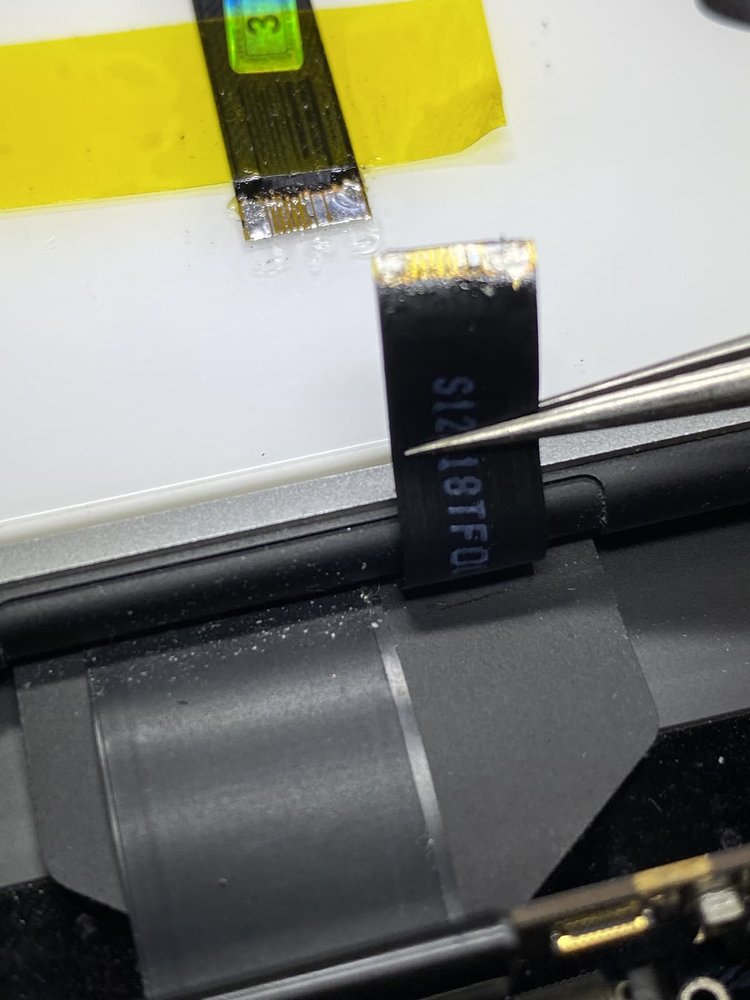
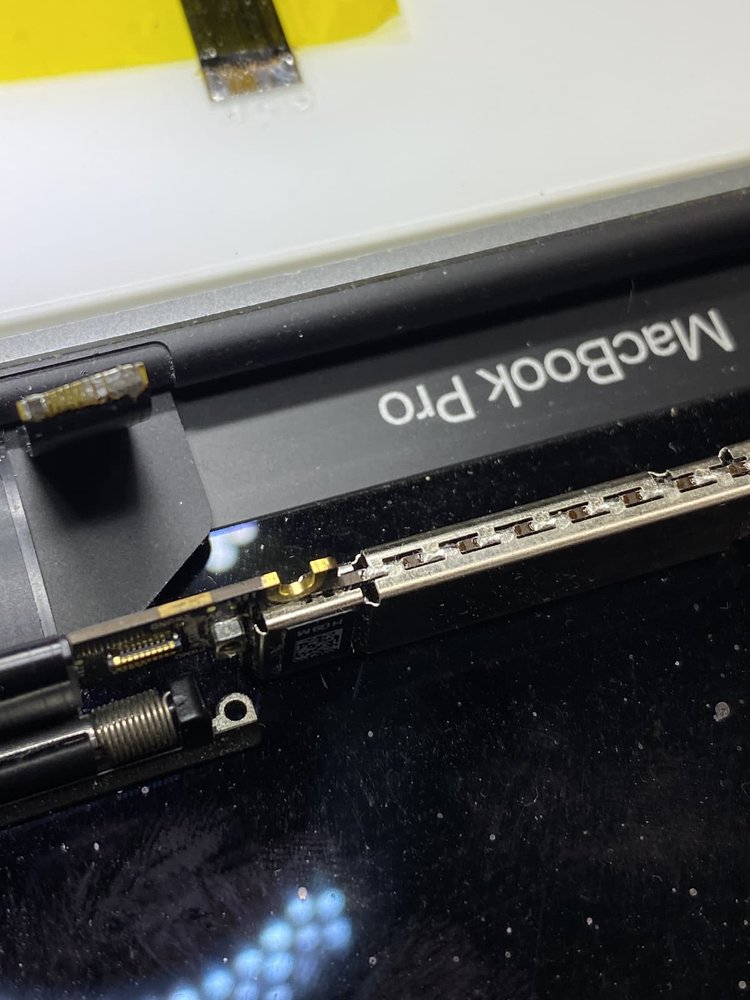
Liquid damage is not a parts-swap repair. There is no spilled-water replacement part you can order from Apple. Real liquid damage repair means opening the Mac, removing the logic board, ultrasonically cleaning every component, microsoldering replacement parts where corrosion has eaten through traces or burned out chips, and then rebuilding the connections one at a time. We run an in-house microsoldering bench with an ultrasonic bath, hot air rework station, stereo microscope, isopropyl alcohol tanks, and board schematics so we can do all of it without shipping your board to a third party.
Most national repair chains and even Apple Genius Bars will tell you a liquid-damaged Mac is dead and try to sell you a new one. The truth is that the majority of spilled MacBooks can be brought back to life if you act fast. We regularly recover boards that other shops have written off. We also do board-level data recovery: even if your MacBook is genuinely unrecoverable, we can often pull the SSD chips off the dead board and migrate your files to a working Mac. Every successfully repaired liquid-damaged Mac comes with our standard 1-year warranty on the completed repair.
Liquid Damage Symptoms We Fix
If your Mac is showing any of these symptoms after a spill, bring it in as fast as you can. Corrosion is an ongoing process and every hour the board sits with moisture inside makes the damage harder to reverse.
Will Not Turn On
The most common spill outcome. Usually a short on the power rails or a fried charging IC. Highly recoverable if you act fast.
Powers On Then Dies
Mac lights up for a second then shuts off. Short circuit somewhere on the board that is triggering the protection circuits.
Will Not Charge
Corroded charging IC, damaged USB-C port, or fried power-delivery circuit. All repairable on the bench without a full board swap.
Sticky or Dead Keyboard
Liquid sat on the keyboard membrane and corroded the matrix. See our keyboard replacement page for the follow-on job if needed.
Trackpad Bulging
Liquid pushed the battery below or shorted the trackpad sensor. Addressed during the disassembly and cleaning step.
Random Crashes Weeks Later
Corrosion is still spreading silently inside. Classic delayed-failure signature from a spill that looked fine at first.
Our Liquid Damage Repair Process
Liquid damage is the most multi-step service we offer. Each stage has to be done in order, and cleaning cannot be rushed. Most successful recoveries take 5 to 10 business days on the bench; severely damaged boards take longer. Every successful repair is backed by our 1-year warranty on the completed work.
- Power off immediately. Even before you bring it in. Do not try to turn it on to see if it works. Power running through a wet board destroys components instantly.
- Free diagnosis. We open the case, document the corrosion under a microscope, and tell you whether the board is recoverable before any work starts.
- Full disassembly. Logic board out, battery disconnected and removed, every flex cable and shield unclipped. We never clean a board with the battery still attached.
- Ultrasonic cleaning. The entire logic board goes through an ultrasonic alcohol bath to dissolve mineral deposits and lift corrosion from under the chips where you cannot reach with a brush.
- Microsoldering repairs. We replace any fried components, jumper any corroded traces, and rework any solder joints the spill broke. Common casualties: SMC chip, charging IC, USB-C port, audio amplifier, backlight fuse.
- Bench power test. We bring the repaired board up on a bench supply first to verify current draw and voltage rails before reassembling into the Mac chassis.
- Quality check and data verification. Final reassembly, full load test, and verification that boot, charging, USB-C, keyboard, trackpad, display, audio, Wi-Fi, Bluetooth, and battery management are all operating correctly. Ready for pickup.
Macs We Repair
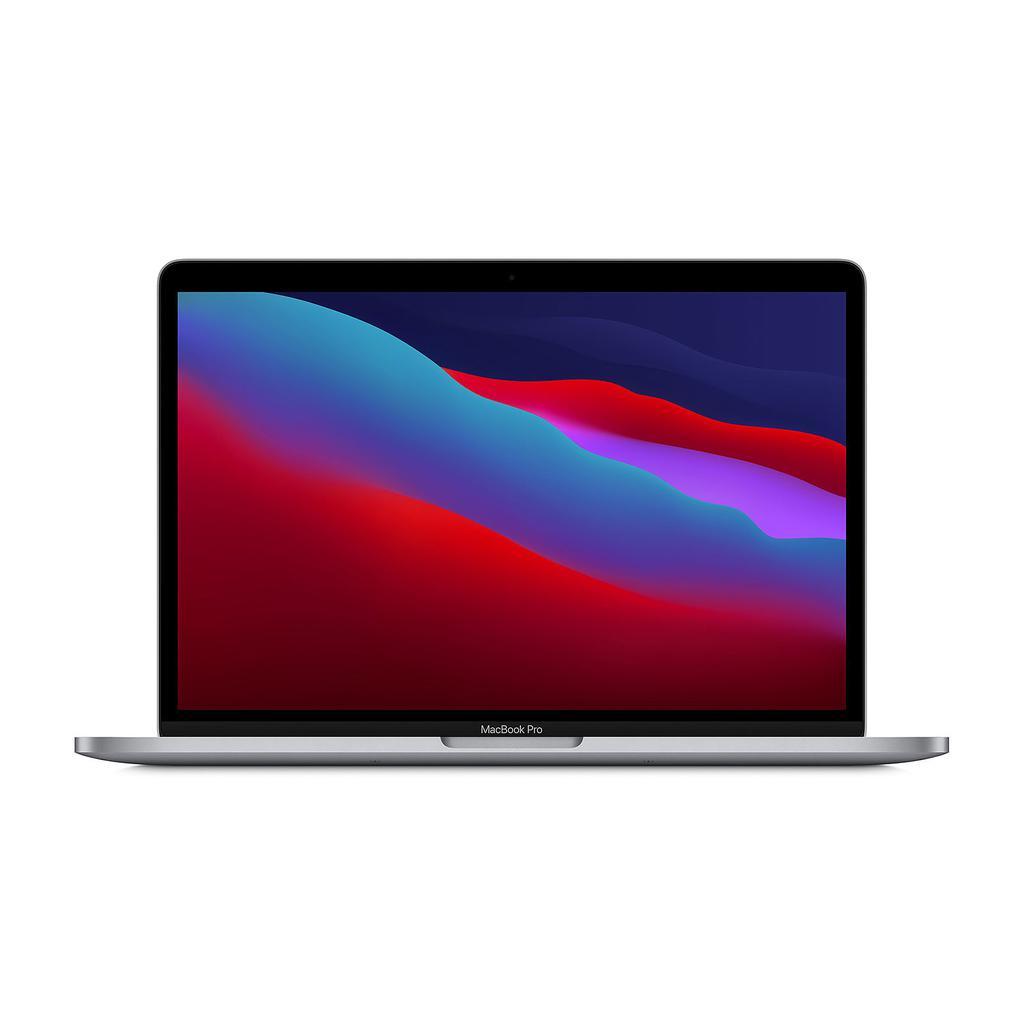
Liquid damage is brand- and model-agnostic. We have recovered spills on every MacBook Pro generation since 2012, every MacBook Air from the Intel era through the M3 models, current 24-inch M1 and M3 iMacs, Mac minis, and 12-inch Retina MacBooks.
| Model Family | Years Supported |
|---|---|
| MacBook Pro (Retina, Touch Bar, M1/M2/M3) | 2012-2024 |
| MacBook Air (Intel, M1, M2, M3) | 2010-2024 |
| iMac 21.5" / 24" / 27" | 2012-2024 |
| Mac mini | 2014-2024 |
| MacBook 12" Retina | 2015-2017 |
Things NOT to do after a spill. First, do not turn it on to test it. Power running through a wet board destroys components instantly. Second, do not put it in rice. Rice does almost nothing for moisture sealed inside the board, and it buys time for corrosion to spread. Third, do not blow it dry with a hair dryer. Heat warps internal components and speeds up oxidation. Fourth, do not wait a week to see if it dries out on its own. The corrosion never stops; it just becomes permanent and harder to reverse. Bring it in within 24 hours for the best odds.
Walk-In and Nationwide Mail-In Service
Our shop is at 4329 Main Street in Manayunk, Philadelphia, open Monday through Friday 11am to 6pm and Saturday 11am to 3pm. Walk in any time during those hours or call ahead at (215) 914-5775. If you are outside the Philadelphia metro, pack the MacBook carefully (battery disconnected if you are comfortable doing that) and ship it to us with tracking. We diagnose for free, quote within 24 hours, and ship it back with a 1-year warranty on the successful repair. Spills often take down screens and charging circuits at the same time, so you may also want to see our MacBook screen repair, MacBook battery replacement, and MacBook Pro Flexgate repair pages, or return to the full Mac repair hub.
Mac Liquid Damage Repair in Philadelphia - Walk In or Mail In
Our shop is located at 4329 Main Street in Manayunk, Philadelphia PA 19127. Walk in Monday-Friday 11am-6pm or Saturday 11am-3pm for a free diagnosis - no appointment needed. Can't make it to the shop? Submit a mail-in repair request from anywhere in the US and we will send shipping details and track your repair end-to-end.
We serve customers throughout Philadelphia and the surrounding region - Manayunk, East Falls, Roxborough, Germantown, Bala Cynwyd, Chestnut Hill, Center City, and nearby suburbs - plus nationwide mail-in customers.
Mac Liquid Damage Repair FAQ
Ready for Your Mac Liquid Damage Repair?
Free diagnosis. 1-Year Warranty. Walk in or ship from anywhere.